SpeechUI SDK Documentation
Welcome to the ListensSoft Documentation. Here you will find documentation on the controls and commands provided by ListensUI.
Introduction
Welcome to the ListensSoft developer website.
ListensSoft has made a new way to interact with mobile devices and computer devices and we are supplying it to developers so they can add it to their own apps and enable their speech control for their users.
Speech as Foundational Control
Our technology is a foundational data input and control device in the same way that a keyboard or a pointer device is foundational to input and control. Speech controls enable data input and control with the voice.
Broad Support
We provide our speech control technology on many different platforms including mobile, desktop, xr/ar/vr, wearables and the web. And we supply it for many different operating systems (iOS, android, macOS, windows) and browsers (chrome, safari, mobile safari, mobile chrome), written in languages (Swift, Kotlin, Java, TypeScript, Dart, Angular) extending existing components (SwiftUI, UIKit, JetPack/Composer, React, React-Native, html components and more to come).
Explore Components
Every control, with its code and API in each language. Pick one to see the React snippet, then switch kits at the top of the page.



Overview
What our technology is and how it works.
ListensSoft has developed the SpeechUI SDK - the tools for a new combined speech and graphical user interface that will change how people use their mobile and desktop devices.
SpeechUI is less cognitively taxing on users, and can be operated one-handed or without looking at the screen, which makes it possible to use devices in a larger context of situations. When you implement the SDK, you will augment the input methods for your software in ways that simplify device use.
Design Principles
We've used a number of design principles to design the Speech Interface. The design was created with existing principles intact while adding new principles where needed to address new challenges necessitated by Speech Interface.
Accessibility
SpeechUI follows existing principles of accessibility in the WCAC 2.0/2.1/2.2 specification. Built-in accessibility is crucial to adapt software to the specific needs of an individual over time.
Universal Design
ListensUI is developed according to universal principles of design, creating equitable experiences for all users by making user experiences flexible and intuitive.
Transcendent Metaphor
A Speech Interface that transcends the device, delivering a consistent user metaphor across OS's and form-factors so users can learn once and use everywhere.
Multimodal Interface
Instead of adding incrementally to existing paradigms, we make it possible to switch modes seamlessly from touch/pointer paradigms to a speech mode.
Fluid Mode Switching
ListensUI mitigates user confusion by having clearly delimited speech interface and graphical user interface modes. Mode switches are fluid and take place immediately prior to the user invoking speech mode.
The user switches modes by using a touch and hold operation that causes the app to transition from touch mode to speech mode and then releases the long touch gesture to return to touch mode.
Light and Dark Mode
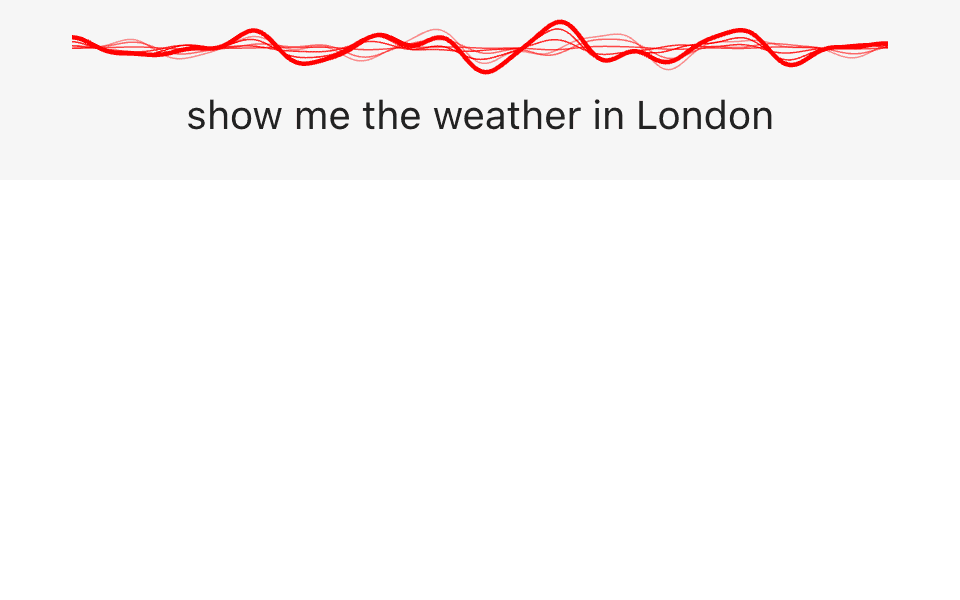
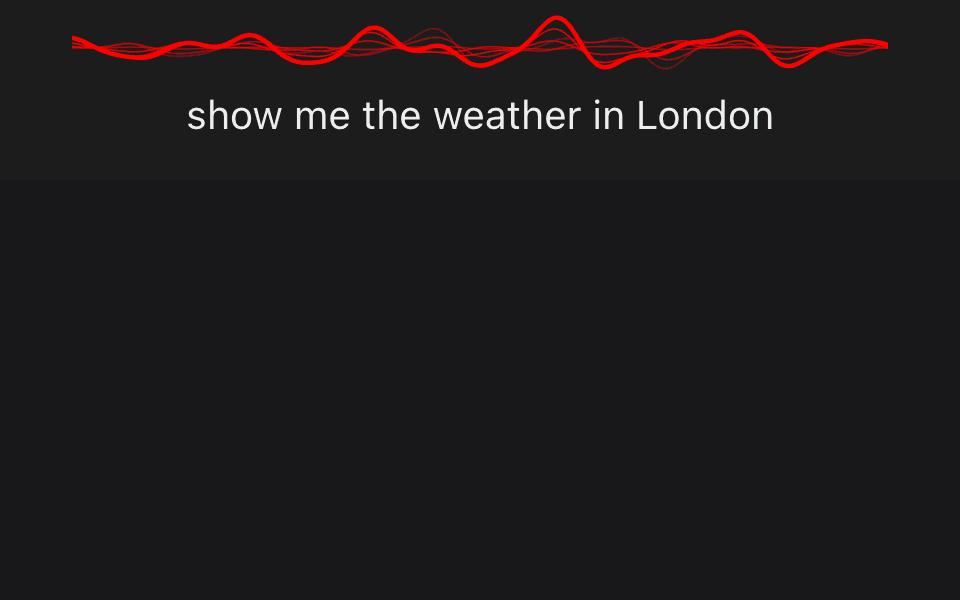
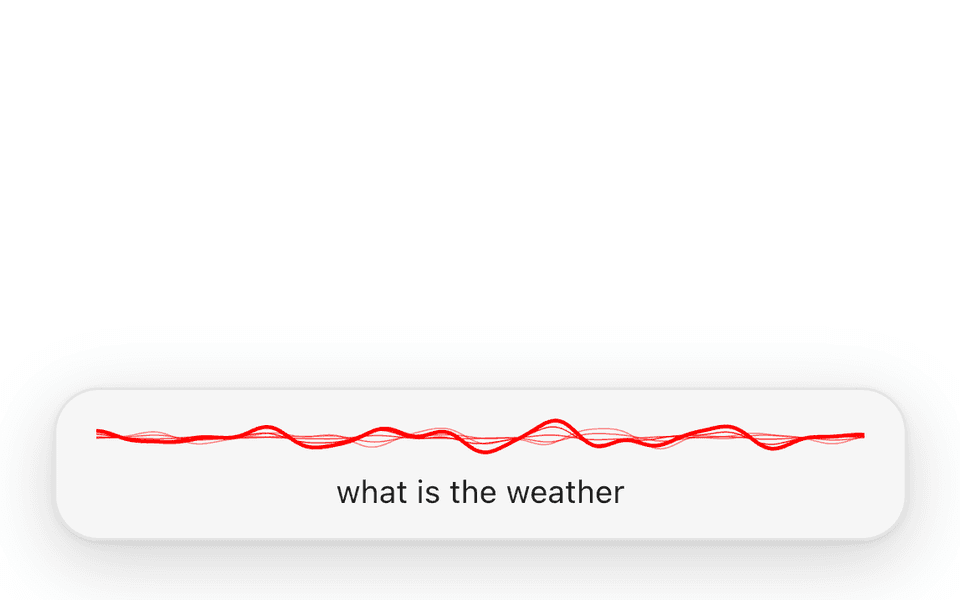
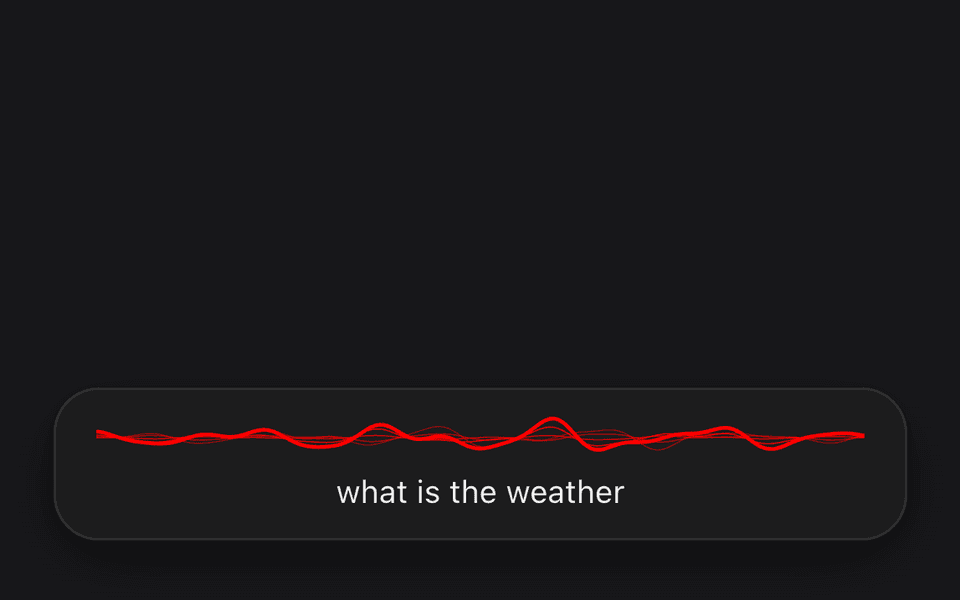
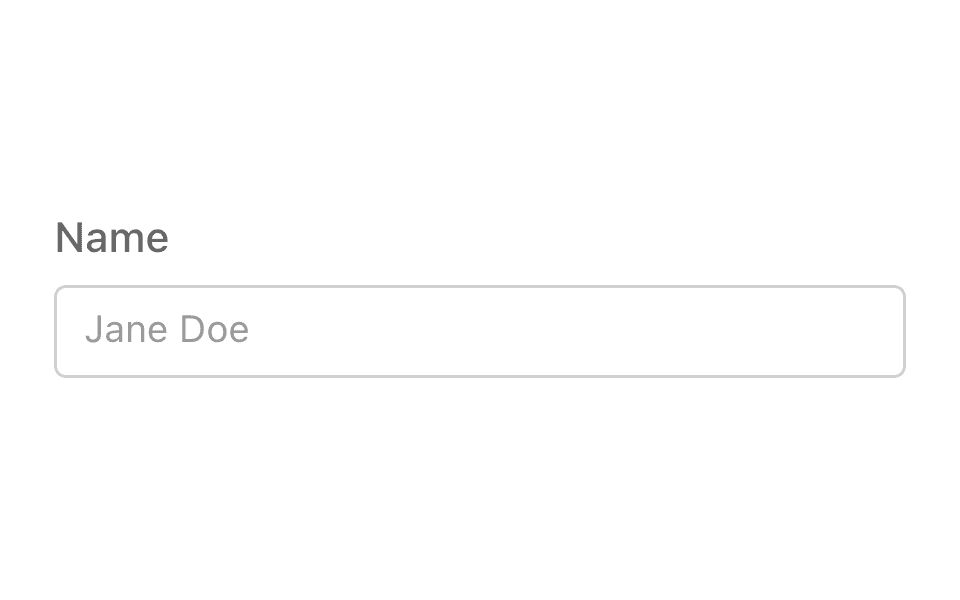
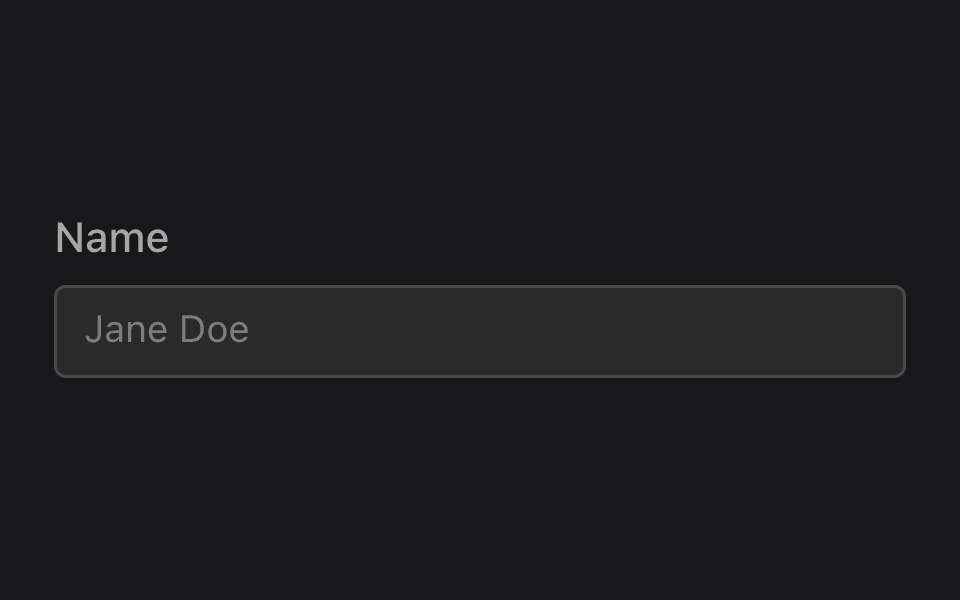
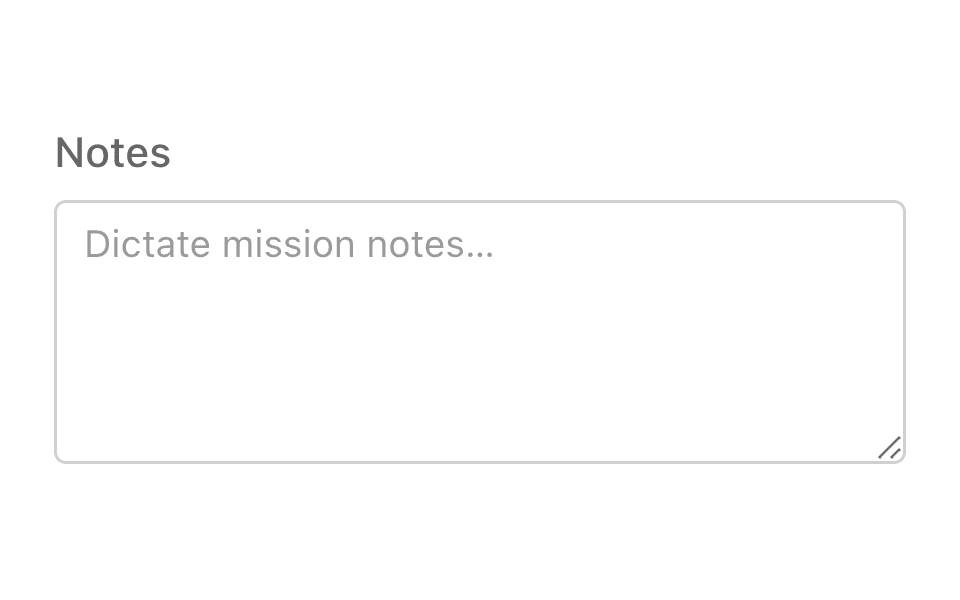
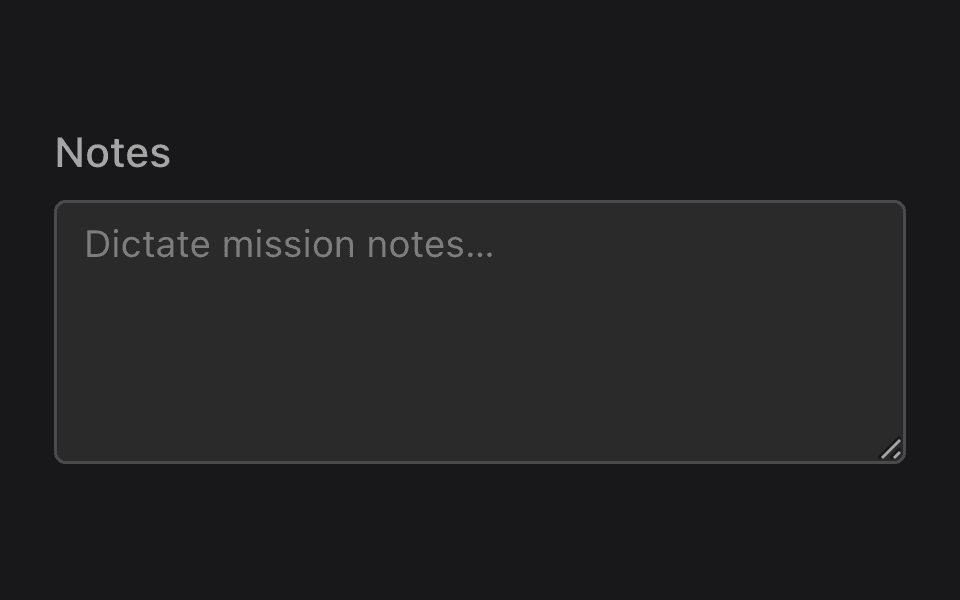
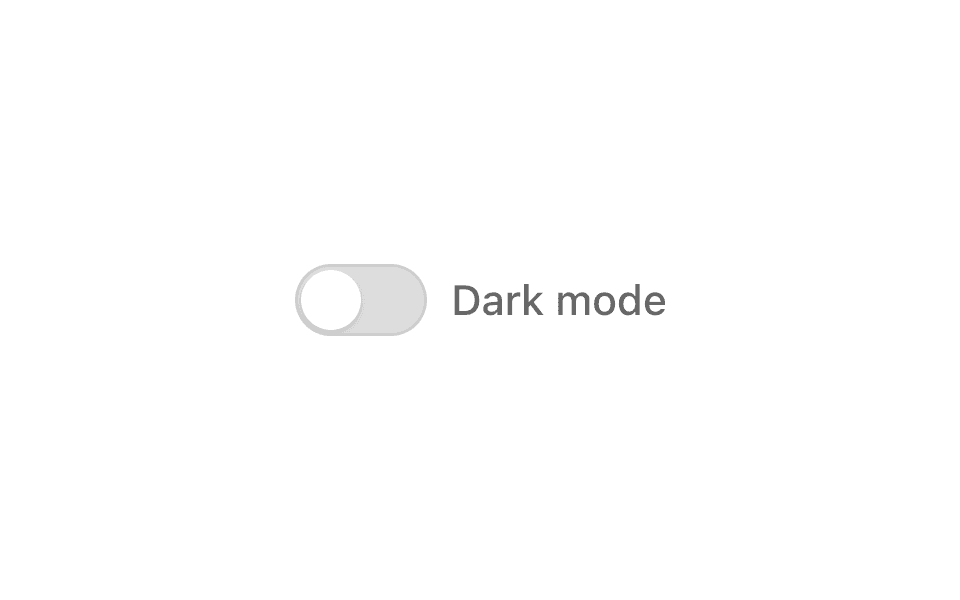
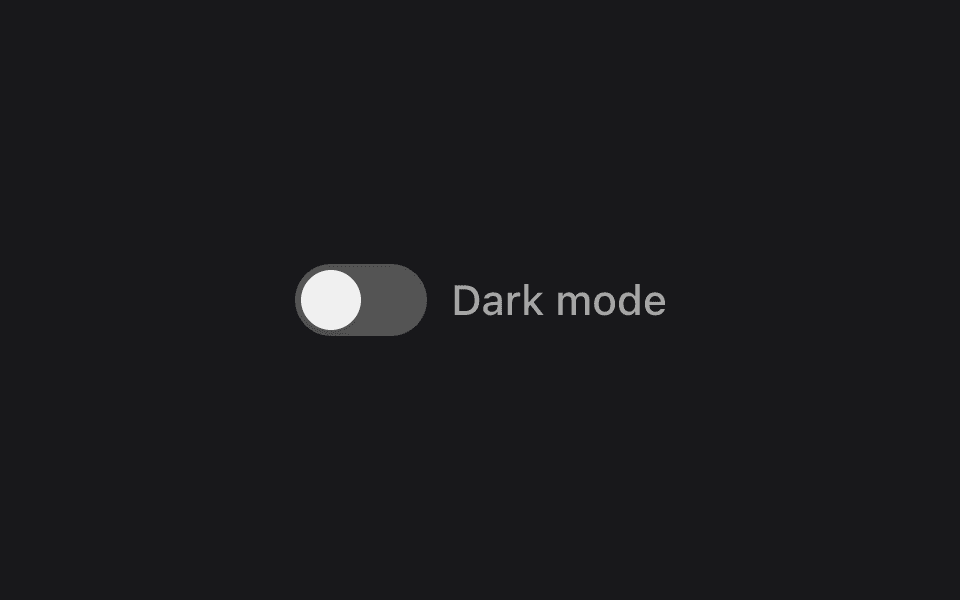
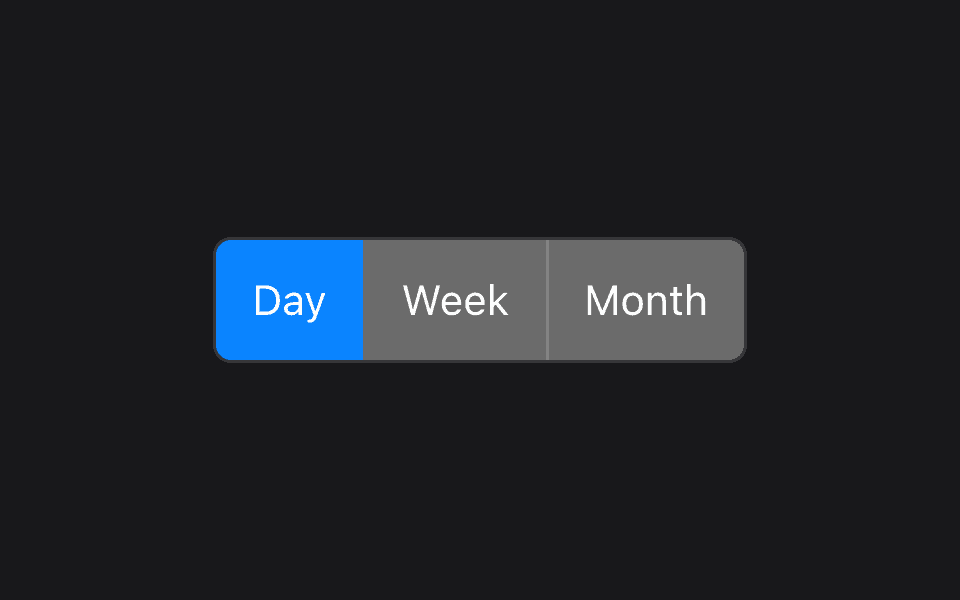
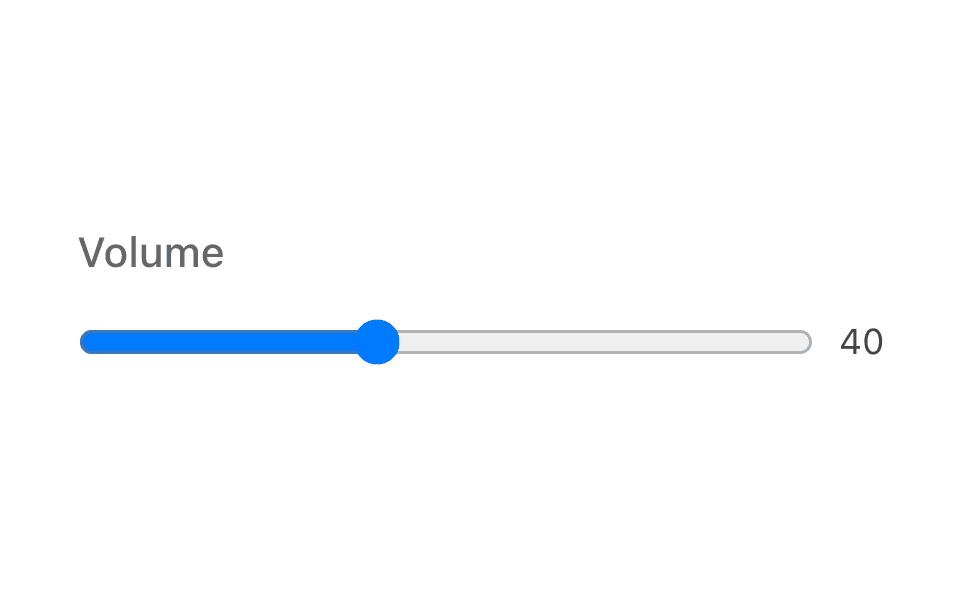
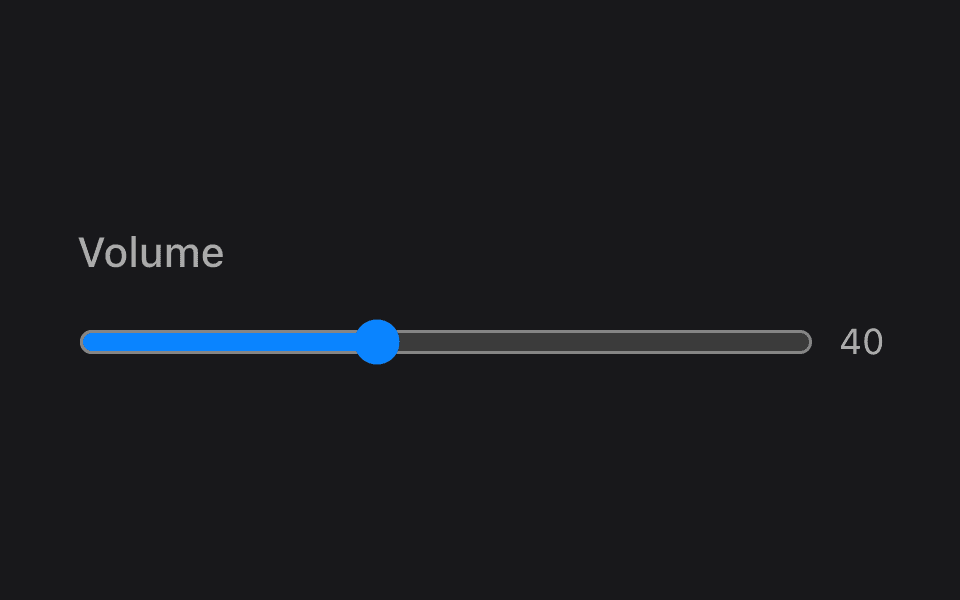
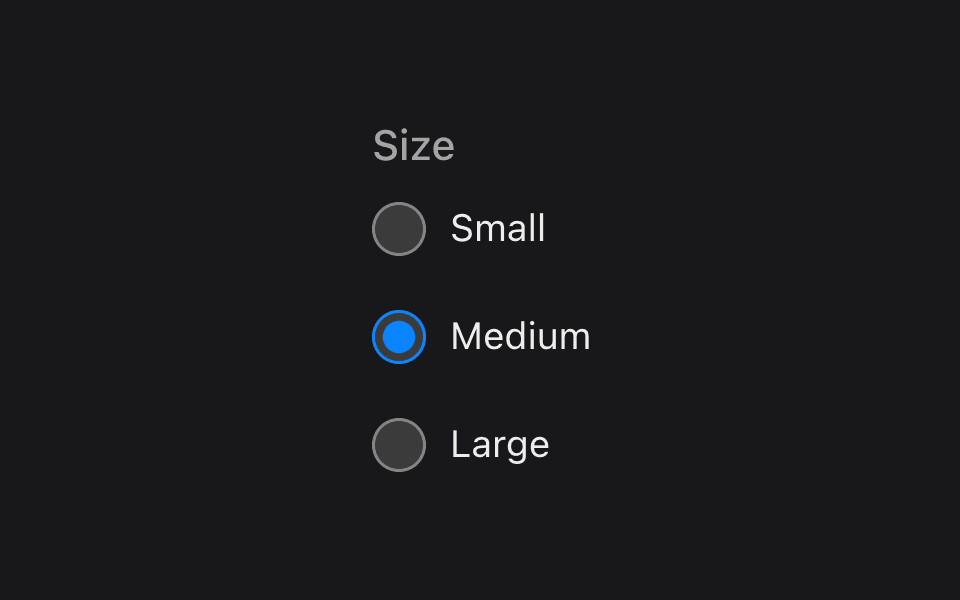
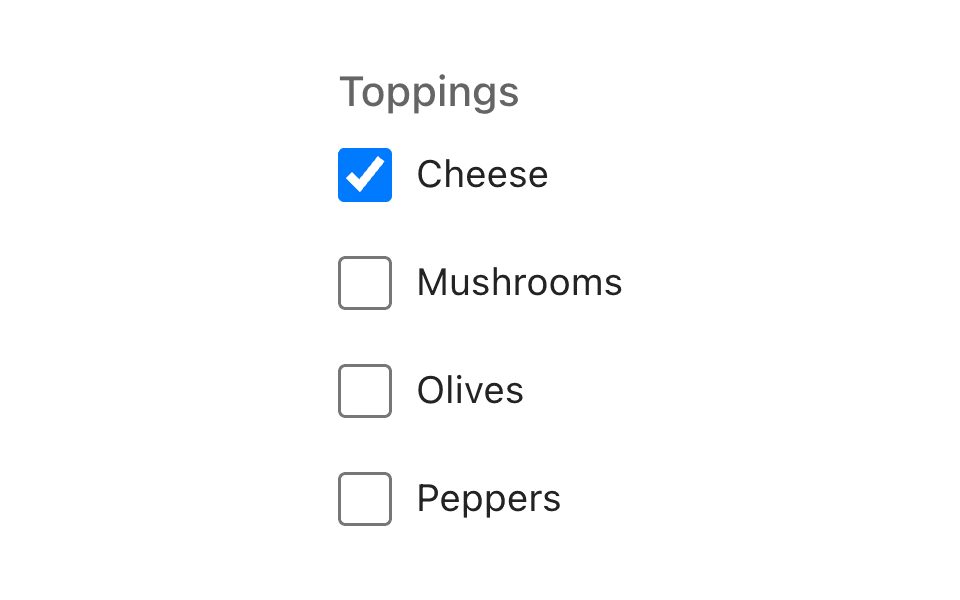
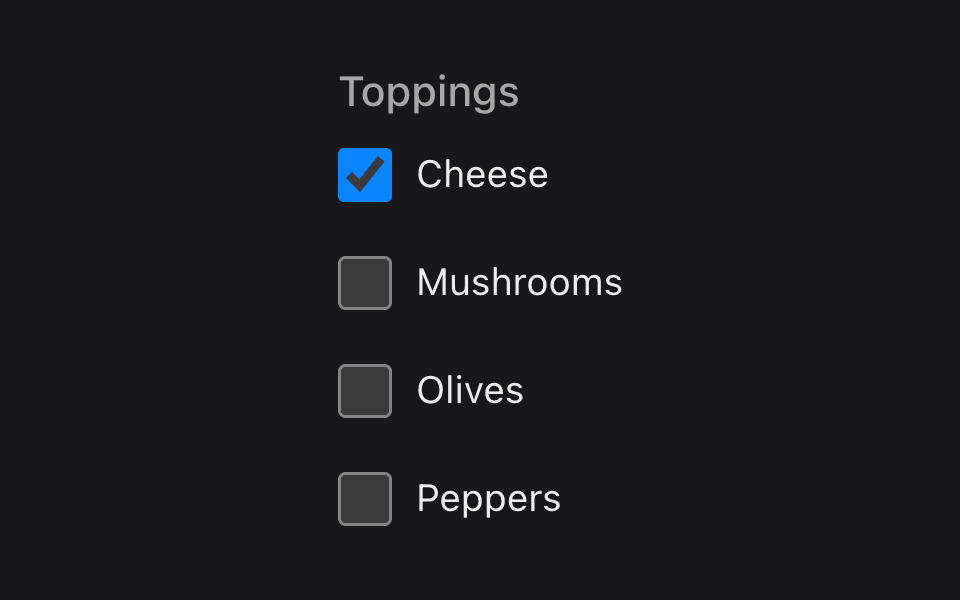
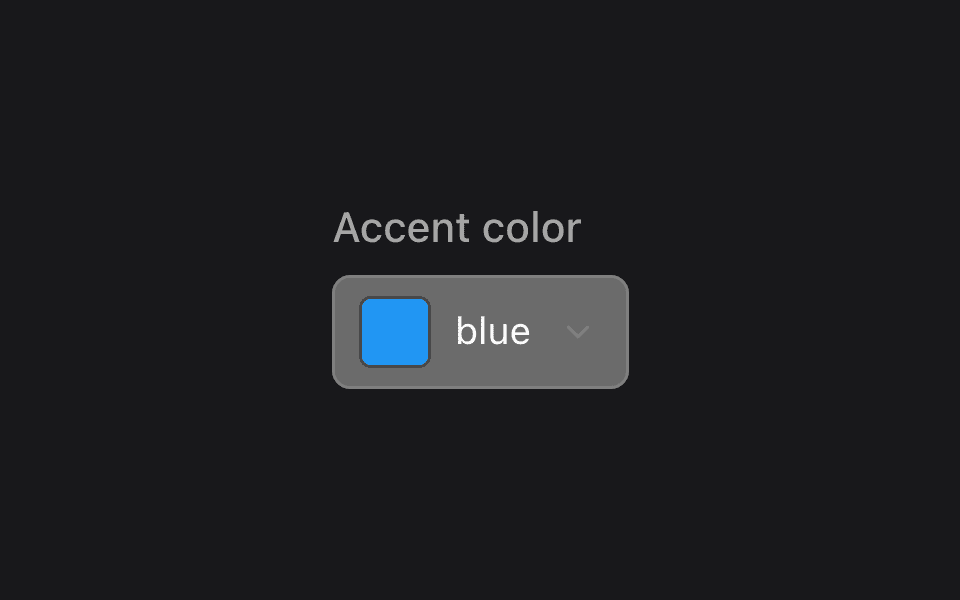
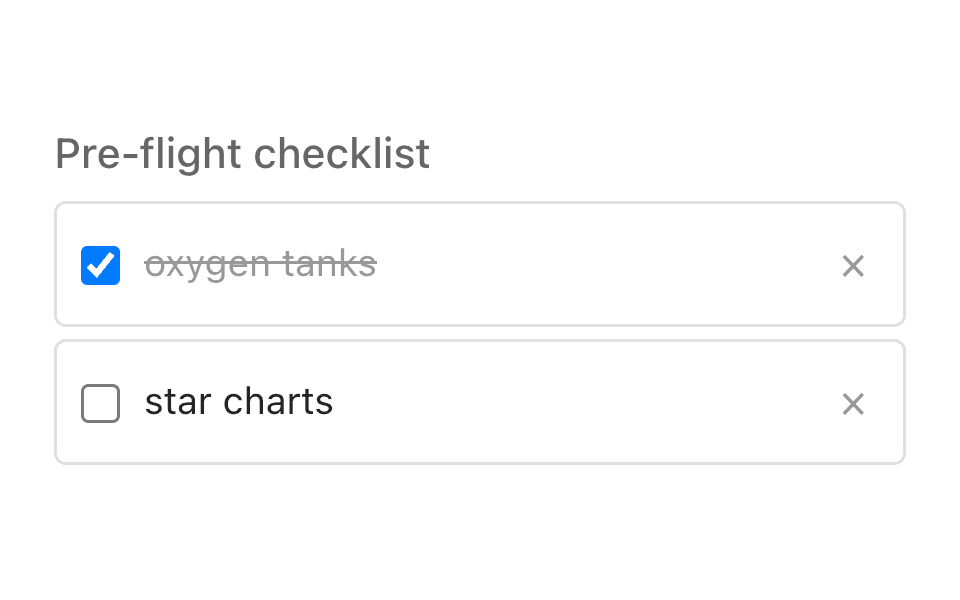
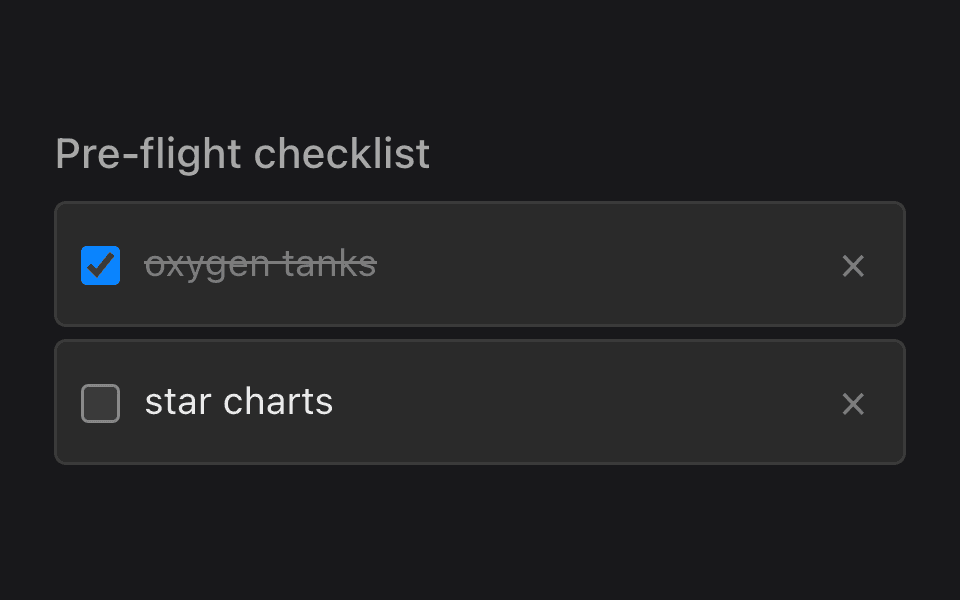
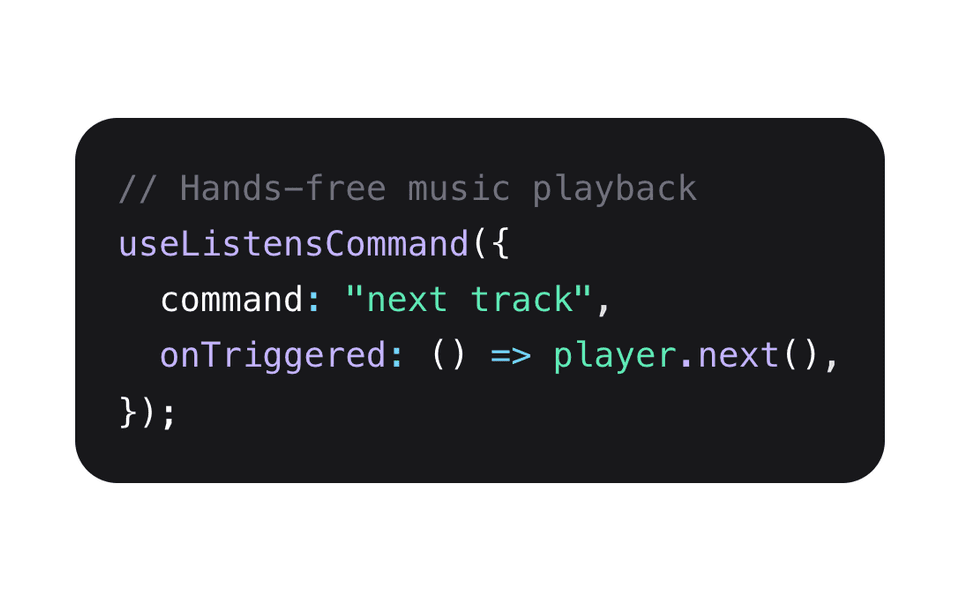
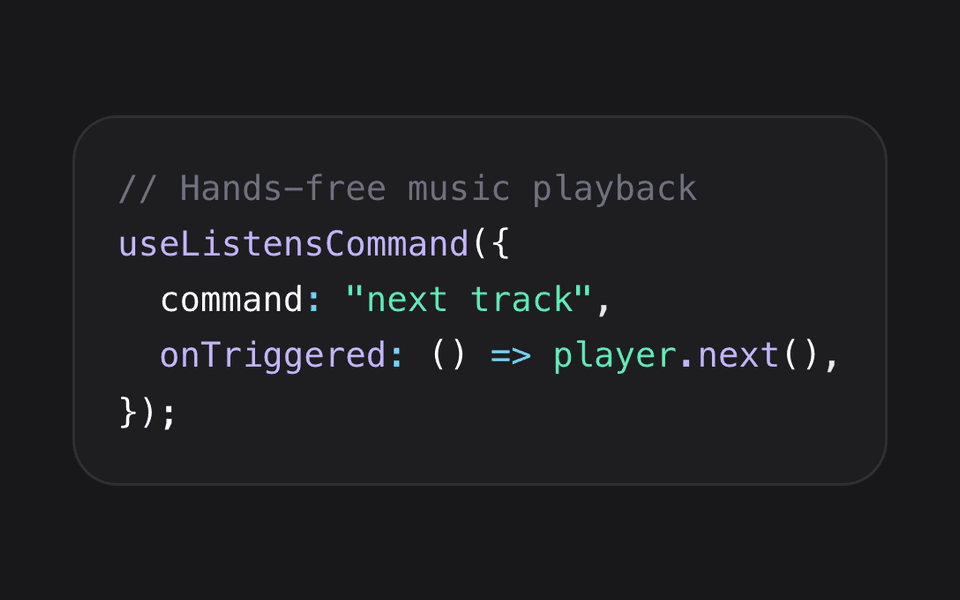
Every SpeechUI component, from the controls to the listening bar and popup, comes in a light and a dark theme drawn from one shared palette. A whole screen of speech controls switches together and matches the rest of your app, on the web, iOS and Android.
Follows the Device
Out of the box, components match the light or dark appearance the user picked for their device. There's nothing to set up.
Your Own Theme Switch
If your app has its own light and dark setting, set the theme once at the root of your app and every component follows it.
Features
ListensUI is a Listening User Interface
Our listening user interface consists of Speech Controls and Commands that listen for your input. These features offer flexible options for building speech control into your applications.
What is Speech Control?
Speech control is the ability to control an application with speech. The user’s speech is recognized by speech recognition software that translates speech into text. The text is then inputted into the app as control elements.
Speech Controls
Controls are onscreen widgets that enable data input. Speech Controls are canonical to controls and have similar appearance and function to existing controls with the added capabilities of being controlled by Speech Commands.
Speech Commands
Speech Commands are similar to voice commands but differ from generic assistants (like Siri) because they are specific to an app and the context of a view, executing app functionality directly.
Catalog of Speech Controls
| UI Control | Description | Common Use Cases | Input Type |
|---|---|---|---|
| Text Field | Single-line input box for text entry | Login forms, search bars, name entry | Text |
| Text Area | Multi-line text input field | Comments, descriptions, messages | Text |
| Button | Clickable element that triggers an action | Submit, Save, Cancel, Delete | Action |
| Checkbox | Circular buttons for selecting one option | Settings toggles, multi-select lists | Selection |
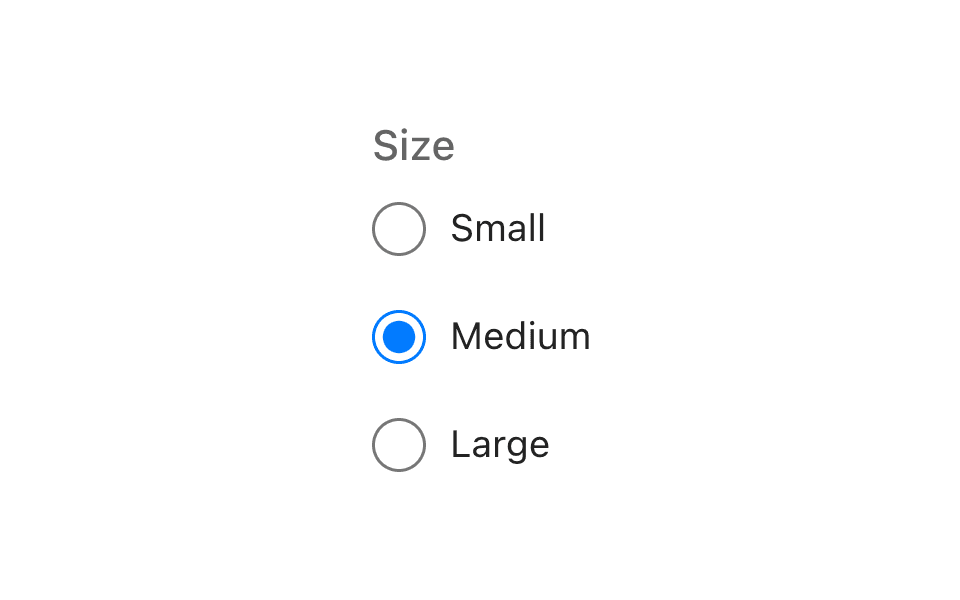
| Radio Button | Single-choice questions | Mutually exclusive options | Selection |
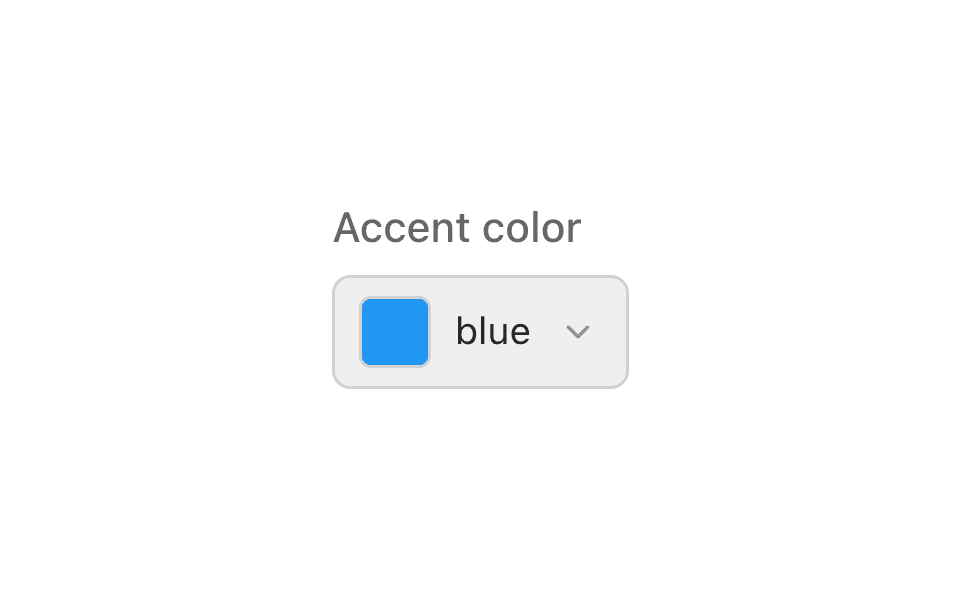
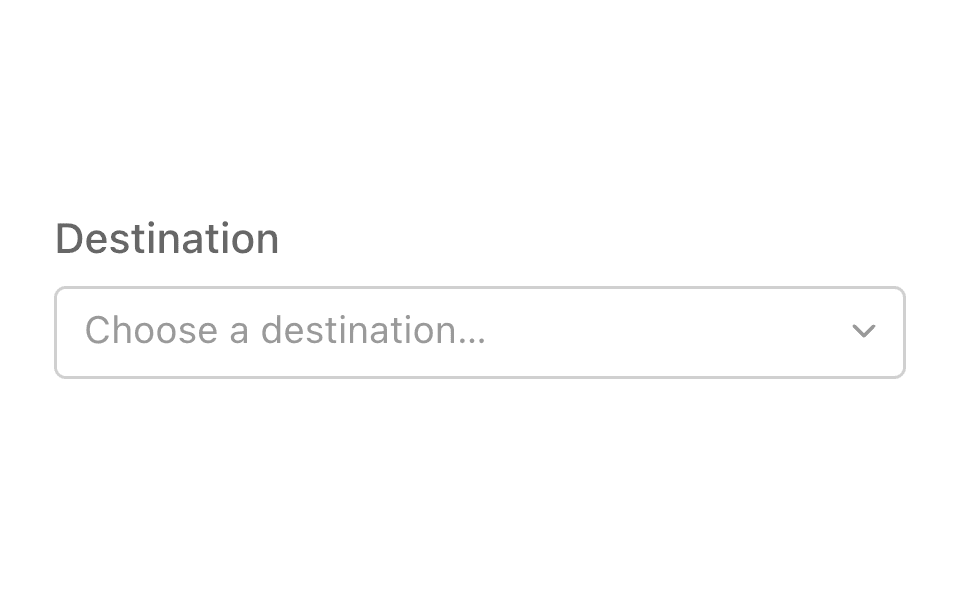
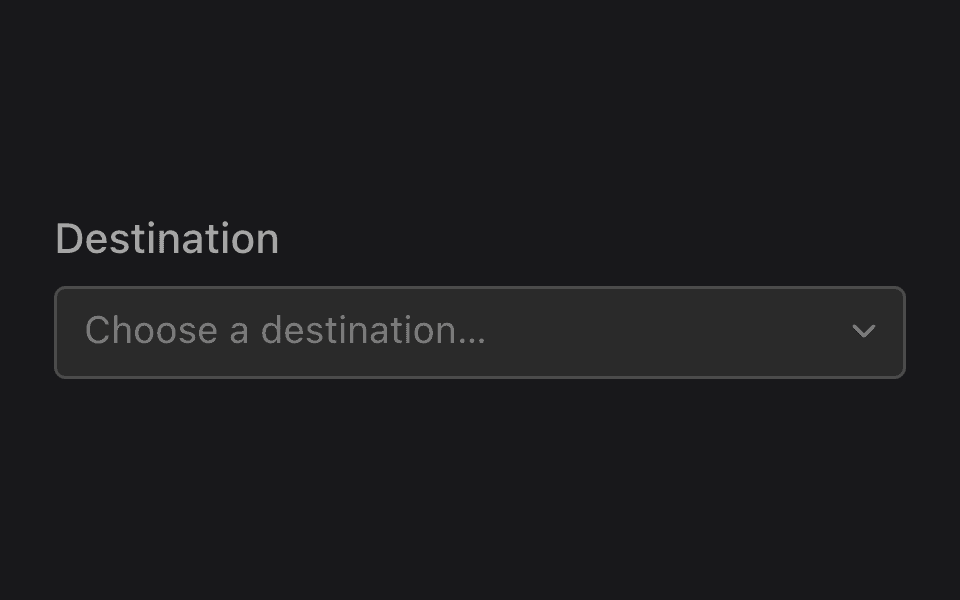
| Dropdown / Select | Menu that drops down to show a list of options | Choosing country, category, status | Selection |
| Combo Box | Text field + dropdown | Autocomplete inputs | Hybrid |
| Slider | Draggable track for selecting a value | Volume, brightness, price range | Range |
| Label | Static text used to describe other controls | Form labels, headings | Display |
| Icon Button | Button containing only an icon | Toolbar actions | Action |
Light and Dark Mode in Each SDK
Every control in the catalog, plus the listening bar and popup, has a light and a dark theme. Each SDK follows the device's setting on its own, and gives you one place to switch it from your app's own theme setting.
| SDK | By Default | Switch It Yourself |
|---|---|---|
| React | Follows the device | data-listens-theme="dark" or "light" on <html> |
| Angular | Follows the device | data-listens-theme="dark" or "light" on <html> |
| React Native | Follows the device | theme={LISTENS_DARK_THEME} or LISTENS_LIGHT_THEME on ListensProvider |
Capabilities
Simplifying device use and lowering cognitive load.
ListensUI provides capabilities that make the device easier to use than existing user interface methods. These capabilities reduce the cognitive load of the user by making the interface lighter and easier to use. This causes less expenditure of cognitive resources on operating the device thereby allowing those resources to be spent on operating in the physical world.
One-touch
Only a single touch is needed to interact with the apps.
Focus-free
Enables use of an application without having to look at the application.
Augmentation
Speech Commands and Controls complements an existing user interface without replacing the existing mode of navigation.
Fluid Multimodal
Our Speech Interface allows interaction using existing touch/pointer methods as well as new Speech Interaction, with a simple touch and hold gesture to switch.
Discoverable (see it, say it)
Speech Controls are discoverable in a similar way to a GUI when in Speech Mode by viewing quoted labels on the surface of a control.
Unidextrous
An app using Speech Controls can be operated with a single hand, so the other hand can be used for other things.
Short Cuts
A single Speech Command can be used to invoke functionality either within a specific context or globally.
Transcends the Device
Speech Controls and Commands work the same on all device types. Learn once, use everywhere.
Overt Listening
ListensUI does not listen when you are not in speech mode. It actively listens only when in speech mode.
Cognitive Ease
Easier to operate because it's listening for specific input in a specific context.
Context Specific
Context-aware commands are listened for in specific contexts, similar to a GUI with view-specific operations.
App Navigation
App navigation is simplified. Instead of traversing a deep view hierarchy, a voice command can jump directly to a view (e.g., 'About') from anywhere.
Browser Support
Google Chrome
Chrome is a cross-platform web browser developed by Google. It is available for Windows, macOS, Linux, Android, and iOS.
Status: Supported
Market share: ~65.1%

Apple Safari
Safari is a web browser developed by Apple Inc. It is the default browser for macOS and iOS devices.
Status: Supported
Market share: ~18.4%

Microsoft Edge
Edge is a cross-platform, Chromium-based web browser developed by Microsoft. It is available for Windows, macOS, Linux, Android, and iOS.
Status: Supported
Market share: ~5.4%

Mozilla Firefox
Firefox is a cross-platform web browser developed by Mozilla. It is available for Windows, macOS, Linux, Android, and iOS.
Status: In the works
Market share: ~4%

Brave
Brave is a cross-platform web browser built for privacy. It is available for Windows, macOS, Linux, Android, and iOS.
Status: In the works
Market share: >4%

Others
All other browsers.
Status: In the works
Market share: >4%

Getting started
To get started, create select a plan in the developer site then read about how to import the code into your app or webpage.
Use Cases
Contact Us
Fill in a contact form by voice, from name and email through to the message body.
Signup
Create an account by voice, including validation and confirmation steps.
Survey
Answer a multi-question survey using radio groups, checkboxes and free text by speech alone.
Credit Card
Capture card details hands-free with speech controls for numbers, dates and security codes.
Checkout
Work through a full checkout — cart, shipping and payment — without touching the keyboard.
Customer Experience
Collect self-checkout feedback with a speech-driven customer experience survey.
Expense Tracking
Log expenses by voice, with categories, amounts and receipt details.
Transaction Tracking
Record detailed transactions in grouped sections for receipt info, costs and audit data.