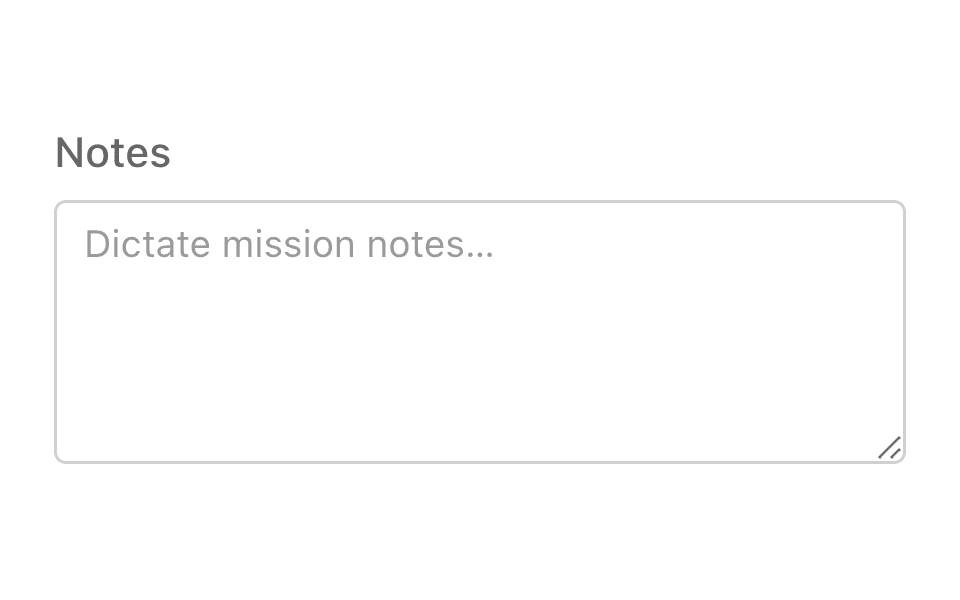
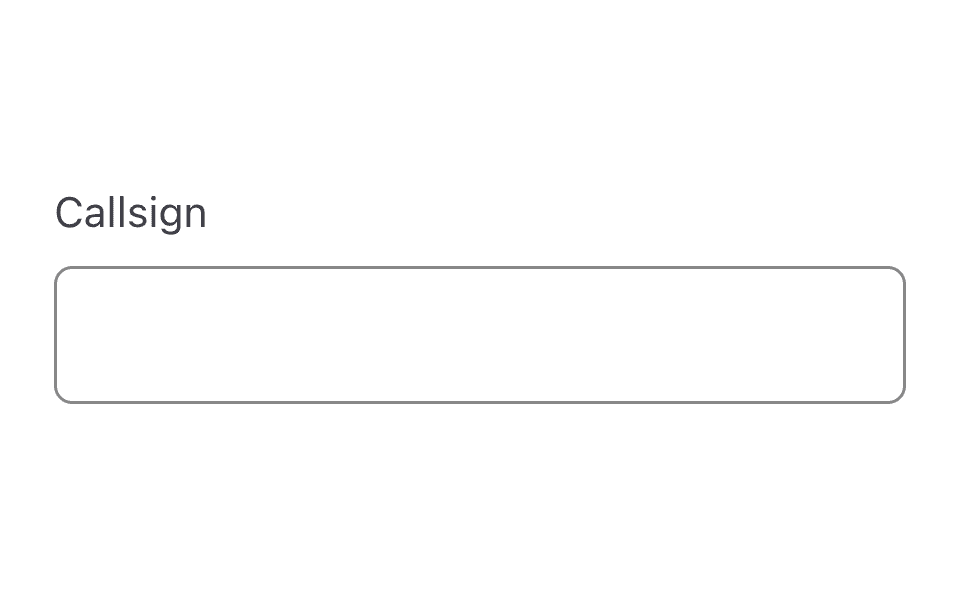
Text field
ListensTextField@listenssoft/speechui-react-nativeA single-line input users can type into — or dictate into: “name Jane Doe”.
Say the command and keep talking: the field claims the phrase and streams the remainder into its value as you speak, filtered by type — emails lose their spaces and gain an @, numbers parse from words, names capitalize. When listening stops, onMatch fires once with the final value.
Basic dictation
Loading the React Native kit…
Hold anywhere and say:“name jane doe”“name arthur dent”
Props
- default command
- not set
import { ListensTextField } from "@listenssoft/speechui-react-native";import { useState } from "react";
function Demo() { const [name, setName] = useState(""); return ( <ListensTextField label="Name" command="name" type="name" placeholder="Jane Doe" value={name} onChangeText={setName} onMatch={setName} /> );}Value types filter the dictation
type shapes what lands in the value: email converts a spoken “at” to @ and strips spaces (“email jane at example dot com” — say “dot” as “.” is up to the recognizer); number parses spoken numbers (“age forty two” → 42); letters drops digits; name capitalizes each word; url strips spaces.
Loading the React Native kit…
Hold anywhere and say:“email jane at example.com”“age forty two”
import { ListensTextField } from "@listenssoft/speechui-react-native";import { View } from "react-native";import { useState } from "react";
function Demo() { const [email, setEmail] = useState(""); const [age, setAge] = useState(""); return ( <View style={{ gap: 12 }}> <ListensTextField label="Email" command="email" type="email" value={email} onChangeText={setEmail} /> <ListensTextField label="Age" command="age" type="number" value={age} onChangeText={setAge} /> </View> );}What you can say
| Say | Effect |
|---|---|
| “name jane doe” | Starts-with match: claims the phrase and streams “jane doe” into the value as you speak (filtered by type). |
| “the name is jane doe” | Contains fallback: if no other control claimed the phrase, sets the value to the words after the command (“is jane doe”). The command with nothing after it leaves the value unchanged. |
| “f i v e” | Spelled-out runs collapse to words before filtering (“five”). |
While you keep speaking, interim results keep updating the value — dictation feels live, not batched. onMatch fires exactly once, when listening stops, with the final accumulated value.
API reference
React Native props for @listenssoft/speechui-react-native.
Props
| Prop | Type | Default | Description |
|---|---|---|---|
type | ListensTextValueType | — | Dictation filter; also picks a matching keyboardType where one exists. |
placeholder | string | — | Native placeholder. |
listeningContent | string | command | Shown as the label while the mic is open. |
editable | boolean | — | RN's disabled equivalent. |
Extra props
| Prop | Type | Default | Description |
|---|---|---|---|
command | string | label | The spoken prefix that starts dictation. |
label | string | — | Label above the input; the command fallback. |
value | string | — | Controlled value. Pair with onChangeText. |
onChangeText | (value: string) => void | — | Called on every change — typing or dictation. |
onMatch | (value: string) => void | — | Fires once when listening stops, with the final accumulated value. |
multiline | boolean | — | Render as a multi-line area (ListensTextArea sets this for you). |
style | StyleProp<ViewStyle> | — | Style override for the outer container. |
inputStyle | StyleProp<TextStyle> | — | Style override for the TextInput. |
labelStyle | StyleProp<TextStyle> | — | Style override for the label text. |
Styling hooks
Style props and theme keys
| Hook | Type | Default | Description |
|---|---|---|---|
style / inputStyle / labelStyle | StyleProp | — | Direct overrides. |
theme.border / theme.surface / theme.placeholder | token | — | Input chrome colors from the active ListensTheme. |
Behavior notes
- All frameworks: A starts-with match claims the transcript, so a field named “name” won't also trigger a button whose command appears later in the same phrase.