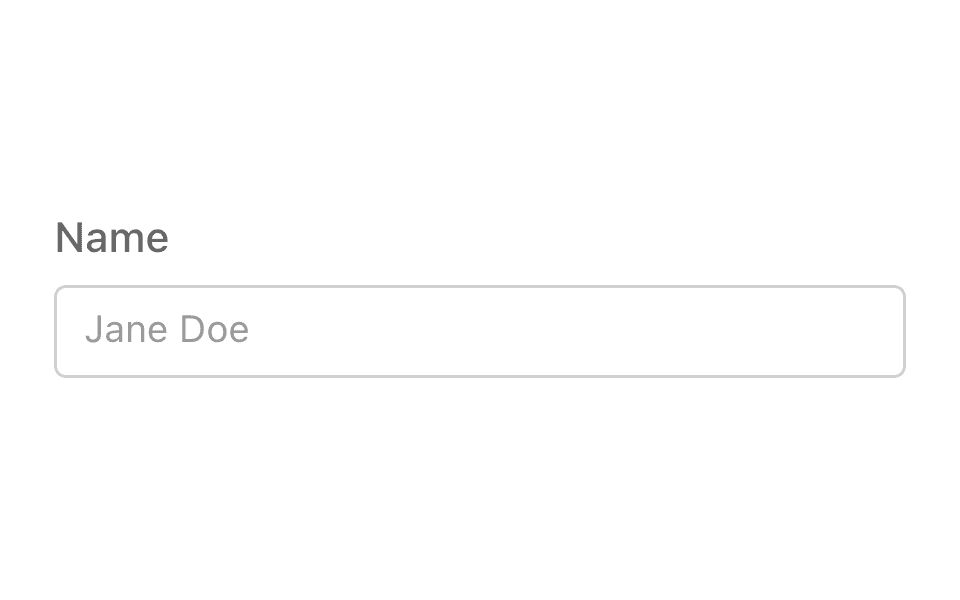
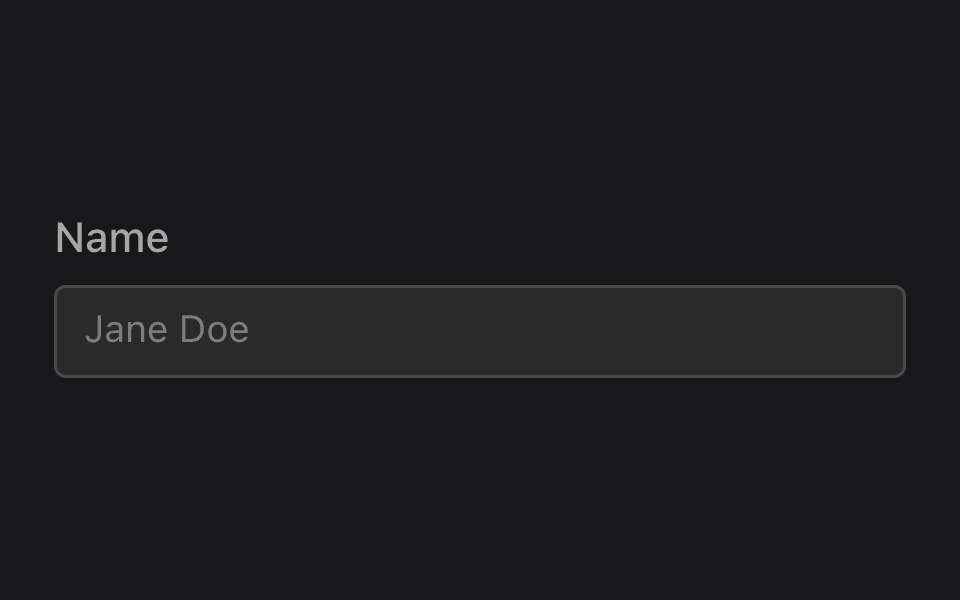
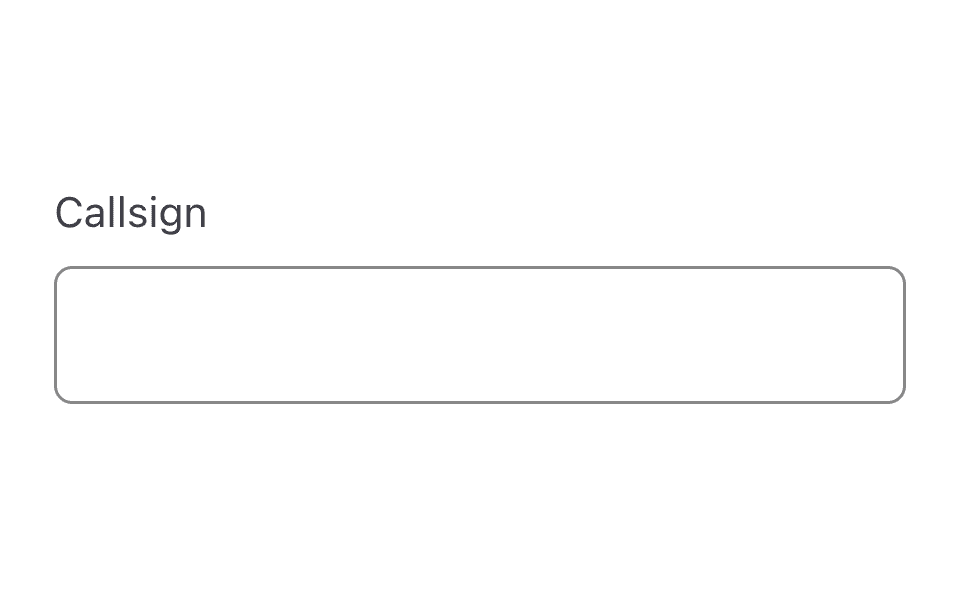
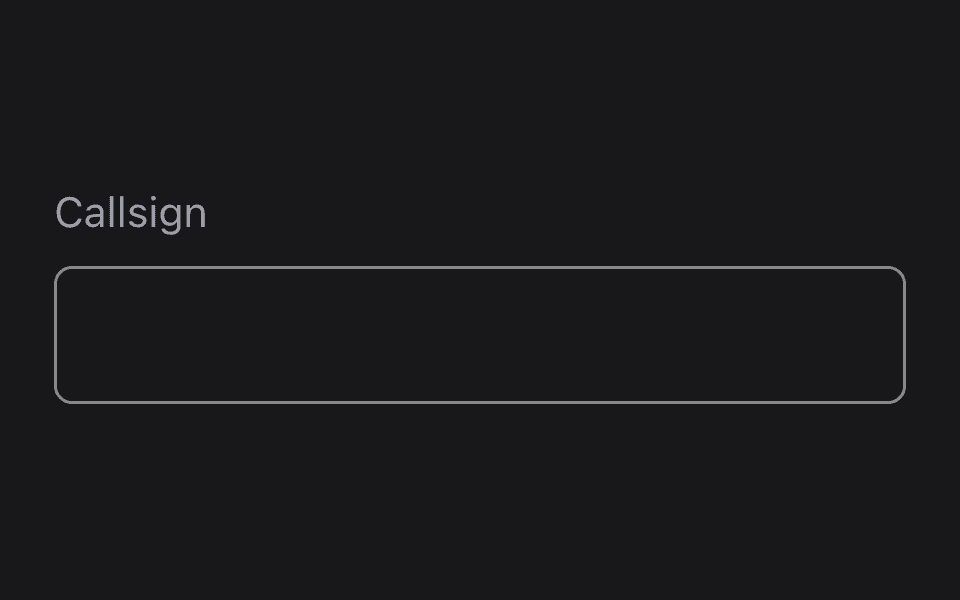
Text area
ListensTextArea@listenssoft/speechui-react-nativeMulti-line dictation with no value filter — say the command and keep talking.
The text area is the text field pattern without a type filter: free text, streamed into the value while you speak, flushed to onMatch once when listening stops. Everything about matching, claims, and the contains fallback is identical.
Dictating multi-line text
Loading the React Native kit…
Hold anywhere and say:“notes approach was nominal”“notes crew is go for launch”
Props
- not set
- not set
React Native
Updates as you tick propsimport { ListensTextArea } from "@listenssoft/speechui-react-native";import { useState } from "react";
function Demo() { const [notes, setNotes] = useState(""); return ( <ListensTextArea label="Notes" command="notes" placeholder="Dictate mission notes…" value={notes} onChangeText={setNotes} onMatch={setNotes} /> );}What you can say
| Say | Effect |
|---|---|
| “notes all systems nominal” | Starts-with match: streams “all systems nominal” into the value as you speak. |
| “the notes say all clear” | Contains fallback: sets the value to the words after the command (“say all clear”) if nothing else claimed the phrase. |
onMatch fires once, when listening stops, with the final accumulated value.
API reference
React Native props for @listenssoft/speechui-react-native.
Props
| Prop | Type | Default | Description |
|---|---|---|---|
command / label / value / onChangeText / onMatch / listeningContent / placeholder / editable | see text field | — | Identical to ListensTextField — ListensTextArea is the same control with multiline preset and no type filter. |
style | StyleProp<ViewStyle> | — | Style override for the outer container. |
inputStyle | StyleProp<TextStyle> | — | Style override for the TextInput. |
labelStyle | StyleProp<TextStyle> | — | Style override for the label text. |
Styling hooks
Style props
| Hook | Type | Default | Description |
|---|---|---|---|
style / inputStyle / labelStyle | StyleProp | — | Direct overrides, as on the text field. |
Behavior notes
- All frameworks: No
typefilter by design — multi-line dictation is free text.