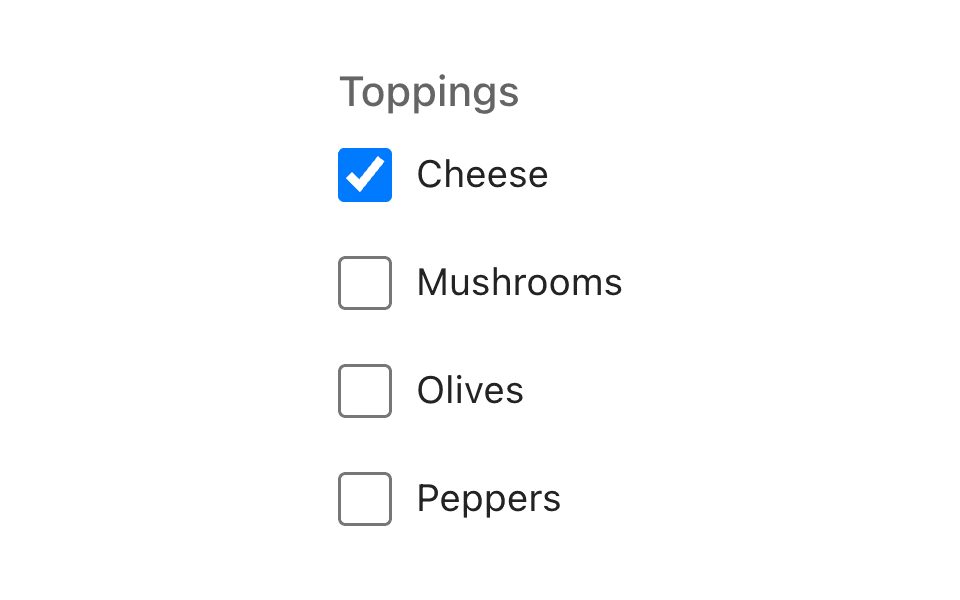
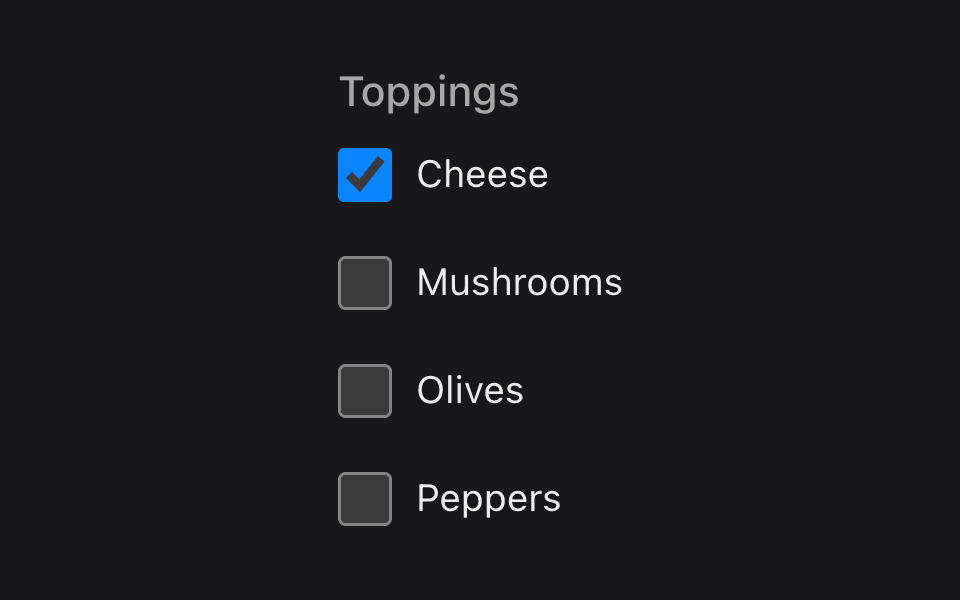
List
ListensList@listenssoft/speechui-reactAn editable checklist you can talk to: “checklist add fuel cells and rations”.
The most conversational control: add, delete, check, uncheck, rename, and clear — by voice. Adds stream in live (say “add milk and eggs” and watch two items form as you speak); renames chain correctly across interim results (“rename chicken to beef” lands on beef, not half a word). Tapping a row toggles it; the ✕ deletes.
Basic editable list
Loading the React kit…
Hold anywhere and say:“checklist add fuel cells and rations”“checklist check star charts”“checklist delete rations”
Props
- default command
- default false
import { ListensList } from "@listenssoft/speechui-react";import { useState } from "react";
function Demo() { const [items, setItems] = useState([ { id: "1", text: "oxygen tanks", checked: true }, { id: "2", text: "star charts", checked: false }, ]); return ( <ListensList label="Pre-flight checklist" command="checklist" value={items} onChange={setItems} /> );}What you can say
| Say | Effect |
|---|---|
| “checklist add fuel cells and rations” | Adds two items — “and” separates them; the items refine live while you speak. |
| “checklist delete rations” | Deletes the item whose text matches. “remove” works as a synonym. |
| “checklist check star charts” | Checks the matching item; “uncheck …” clears it. |
| “checklist rename star charts to nav charts” | Renames in place — the new name accumulates correctly as you speak. |
| “checklist clear” | Removes every item. |
With no command configured, the bare action words work directly: “add milk”, “clear”. Item-name matching is on the normalized text (case and quotes ignored). onMatch fires once when listening stops, with the final items.
API reference
React props for @listenssoft/speechui-react.
Props
| Prop | Type | Default | Description |
|---|---|---|---|
listeningContent | ReactNode | command | Content shown as the label while the mic is open — a place for a hint like “say: volume to seventy”. |
disabled | boolean | false | Disables row toggling and deleting. |
Extra props
| Prop | Type | Default | Description |
|---|---|---|---|
command | string | label | The spoken prefix: actions are “<command> add x”, “<command> delete x”, … With no command (and no label), bare “add x” works. |
label | string | — | Label above the list; the command fallback. |
value | ListensListItem[] | — | Controlled items: { id, text, checked }[]. |
onChange | (items: ListensListItem[]) => void | — | Called with the next items — taps, deletes, or speech edits. |
onMatch | (items: ListensListItem[]) => void | — | Fires once when listening stops after speech edits, with the final items. |
className | string | — | Extra class name(s) on the root. |
classNames | ListensListClassNames | — | Per-part class overrides (label, listeningLabel, list, item, itemCheckbox, itemText, itemDelete, empty). Each is appended after the component's own classes, so your rules win without extra specificity. |
Styling hooks
classNames parts and CSS classes
| Hook | Type | Default | Description |
|---|---|---|---|
classNames.list / .listens-list-items | class | — | The items container (ul). |
classNames.item / .listens-list-item | class | — | Each row (li). |
classNames.itemCheckbox / .listens-list-item-checkbox | class | — | The row's checkbox. |
classNames.itemText / .listens-list-item-text | class | — | The row's text (struck through when checked). |
classNames.itemDelete / .listens-list-item-delete | class | — | The row's delete button. |
classNames.empty / .listens-list-empty | class | — | The empty-state message. |
Behavior notes
- All frameworks: Utterance boundaries matter and are handled: pause, then “checklist add beef” starts a new item instead of revising the previous one.